Download 899u Game on Any Device
Android APK
Direct APK download for all Android phones. Works on Android 6.0 and above — no Play Store needed.
iOS / iPhone
iPhone and iPad users can add 899u Game to their home screen via Safari for a native app experience.
Web Browser
No download required. Open 899u Game in any browser on your phone, tablet or computer — full access.
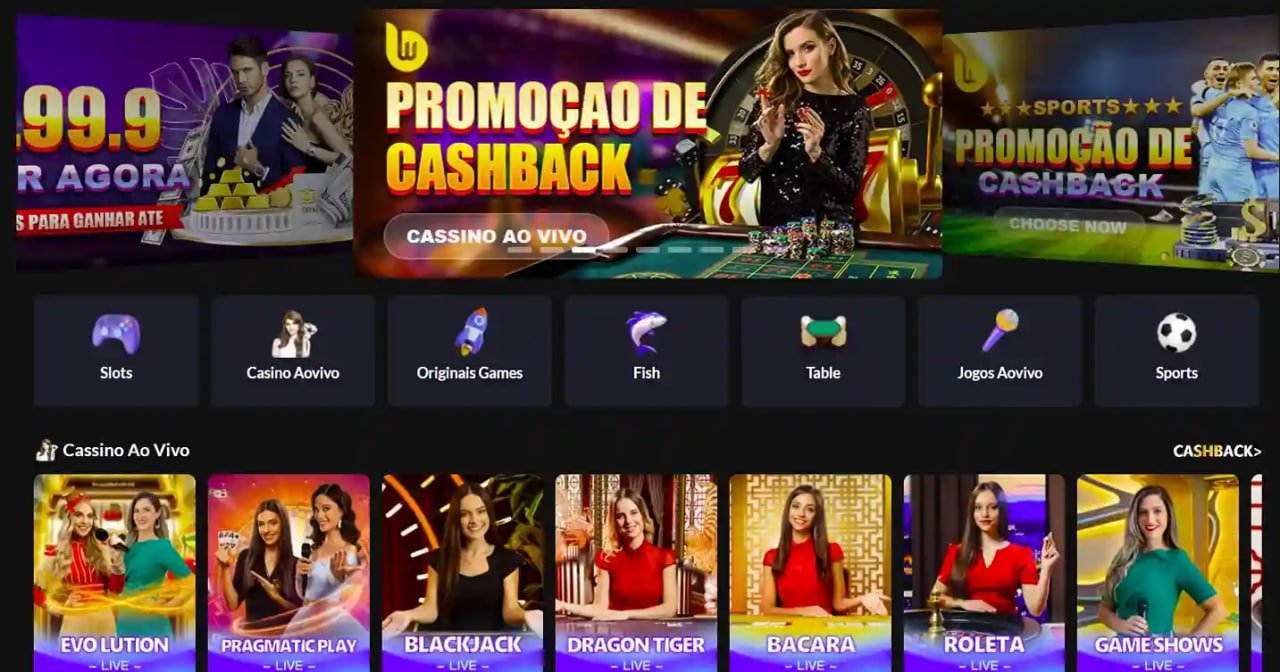
How to Install the 899u Game APK on Android
Because the 899u Game app is distributed as a direct APK (outside the Google Play Store), you need to allow installation from unknown sources on your Android phone. This is a one-time setting and is completely normal for apps distributed outside the Play Store in Pakistan.
Visit the Download Page
Open your Android phone's browser (Chrome works best) and go to the 899u Game website. Navigate to the Download section — you are already here. Tap the Android APK button.
Allow Unknown Sources
When you tap to download, your phone may ask for permission. Go to Settings → Security (or Privacy on newer Android versions) → toggle on "Install Unknown Apps" for your browser. This only needs to be done once.
Download the APK File
The APK file will download to your phone — it is roughly 35 MB so it completes quickly on any mobile data connection including 4G. You will see the download progress in your notification bar.
Open and Install
Once the download finishes, tap the notification or find the file in your Downloads folder. Tap "Install" on the prompt that appears. The installation takes a few seconds.
Find the App on Your Home Screen
After installation completes, you will see the 899u Game icon on your home screen or in your app drawer. Tap it to launch the app for the first time.
Log In or Register
If you already have a 899u Game account, log in with your credentials. New users can register directly in the app — account creation takes under two minutes with your mobile number and CNIC details.

How to Add 899u Game to Your iPhone Home Screen
Apple does not allow direct APK installs, but iPhone users can access the full 899u Game experience through Safari by adding the site to their home screen as a Progressive Web App (PWA). This gives you an app icon on your home screen and a full-screen experience identical to a native app.
Open Safari on Your iPhone
Make sure you are using Safari — not Chrome or Firefox — as only Safari supports the "Add to Home Screen" feature on iOS. Type in the 899u Game website address and load the page.
Tap the Share Button
At the bottom of your Safari browser (or top-right on iPad), tap the Share icon — it looks like a box with an arrow pointing upward. This opens the iOS share sheet.
Select "Add to Home Screen"
Scroll through the share sheet options until you see "Add to Home Screen." Tap it. You will see a preview of the icon and the app name — you can rename it if you prefer.
Tap "Add" to Confirm
Tap the "Add" button in the top-right corner of the prompt. The 899u Game icon will immediately appear on your iPhone home screen, just like any other app.
Why the 899u Game App Is Built for Pakistani Players
A lot of international gaming platforms have apps that were originally designed for other markets and then half-adapted for Pakistan. The 899u Game mobile app is different in the sense that it has been built with Pakistani users in mind from the beginning — and that shows in how it actually performs in daily use.
The app is optimised for 4G connections, which are the most common mobile data standard used across Pakistan from Karachi to Lahore to Peshawar. Pages load quickly, live scores update in real time, and streaming on live casino tables does not buffer constantly the way some heavier apps do. Even on a slower 3G connection the core features — balance check, bet placement, withdrawals — remain fully functional.
The interface language is straightforward English that Pakistani users will find natural to navigate. Payment options on the deposit and withdrawal screens show JazzCash, Easypaisa, Raast and bank transfer as the primary methods — no scrolling through irrelevant international payment options that do not work here. Everything in the app is in PKR by default, so there are no confusion-inducing currency conversions.
What You Can Do on the 899u Game App
The app is not a stripped-down mobile version of the full platform — it gives you access to everything. Cricket betting is the most-used feature among Pakistani players, and the app handles it well. During PSL season you can follow live scores, check ball-by-ball odds, place in-play bets and track your open bets all from a single screen. The same applies to T20 internationals and ODI series — live markets update within seconds of in-game events.
Beyond Cricket, the sports betting section covers Football including European leagues and domestic competitions, along with Esports markets that have become increasingly popular with younger Pakistani players. The odds are competitive and the in-play interface is clean enough to use quickly even during a fast-paced match.
The Game Lobby on the app includes Slots, Live Casino tables with real dealers, Table Games and Crash games. Live Casino streams run smoothly on the mobile app and the dealers operate around the clock, so there is always an active table regardless of what time you open the app. Slots cover a wide variety of styles from classic three-reel games to modern video slots with bonus rounds.
Managing your PKR balance is straightforward in the app. The Wallet section shows your current balance broken down into real money and any bonus balance. Depositing via JazzCash or Easypaisa takes under a minute — you confirm through your mobile wallet and the balance appears instantly. Withdrawals follow the same simple process described on the Withdrawal page.
App vs Browser — Which Should You Use?
Both options give you full access to 899u Game, so the honest answer is that it depends on how you personally prefer to play. If you check Cricket odds multiple times a day during a series or PSL season, having the app icon on your home screen means you save a few seconds every time rather than typing a URL into your browser. That sounds small but adds up when you are following live matches.
The browser version is ideal if you are playing on a shared device, want to avoid installing anything, or primarily play on a desktop or laptop. The responsive website works perfectly on large screens and gives you a wider view of betting markets and casino game lobbies than a phone screen allows.
For Android users specifically, the APK app tends to be slightly more stable for live Casino streaming and in-play betting than the browser version because it has more direct access to device resources. If you do a lot of live Casino play, the dedicated Android app is worth installing for that reason alone.
Keeping the App Updated
Because the 899u Game Android app is installed as an APK rather than through the Play Store, updates do not happen automatically the way they do for Play Store apps. When a new version is released, the app itself will usually show a notification prompting you to download and install the updated APK. The process is the same as the original installation — download the new APK and install it over the existing version; your account data and settings are preserved.
For iOS users on the PWA version, updates happen automatically in the background the next time you open the app — no action needed on your end. The web browser version is always on the latest version the moment you open the site.
If you are ever unsure whether you have the most recent version, check the platform announcements or contact live chat support who can confirm what the current app version number is and whether you need to update.
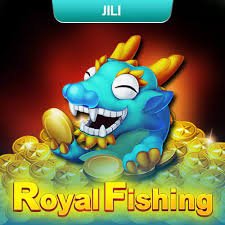
Everything Inside the 899u Game App
Cricket & PSL Betting
Live in-play markets for PSL, T20 internationals, ODIs and Test matches with real-time odds updates.
Live Casino Streaming
Real dealers on Baccarat, Roulette, Blackjack and more — HD streams optimised for 4G mobile data.
Full Game Lobby
Slots, Crash games, Table Games and Arcade titles — the complete game library on your phone.
PKR Deposits & Withdrawals
JazzCash, Easypaisa, Raast and bank transfer all available directly inside the app wallet section.
VIP Dashboard
Track your VIP points, tier progress and claim rewards directly from your account dashboard in the app.
Push Notifications
Get alerts for match starts, odds movements on your bookmarked events, withdrawal confirmations and promotions.
Secure Login
Fingerprint and face unlock supported on compatible Android and iOS devices for fast, secure sign-in.
24/7 Live Chat Support
Access customer support directly from the app — live chat is available around the clock for any account queries.
Android App vs iOS PWA vs Browser
| Feature | Android APK | iOS PWA | Browser |
|---|---|---|---|
| Install Required | APK Install | Add to Home | None |
| Home Screen Icon | Yes | Yes | No |
| Push Notifications | Yes | iOS 16.4+ | No |
| Full Game Lobby | Yes | Yes | Yes |
| Live Casino Streaming | Optimised | Good | Good |
| PKR Payments | Yes | Yes | Yes |
| Auto Updates | Manual | Auto | Auto |
| Fingerprint Login | Yes | Face ID | No |
Download FAQ
Get the App and Start Playing Today
Download the 899u Game app on Android, add it to your iPhone home screen, or just open the site in your browser. Create your account in under two minutes and start betting on PSL, Cricket and more in PKR.
Reminder: Only download the 899u Game APK from this official website. Never install APK files from third-party sources or unofficial links shared via WhatsApp or social media — these may contain modified or unsafe versions of the app.